
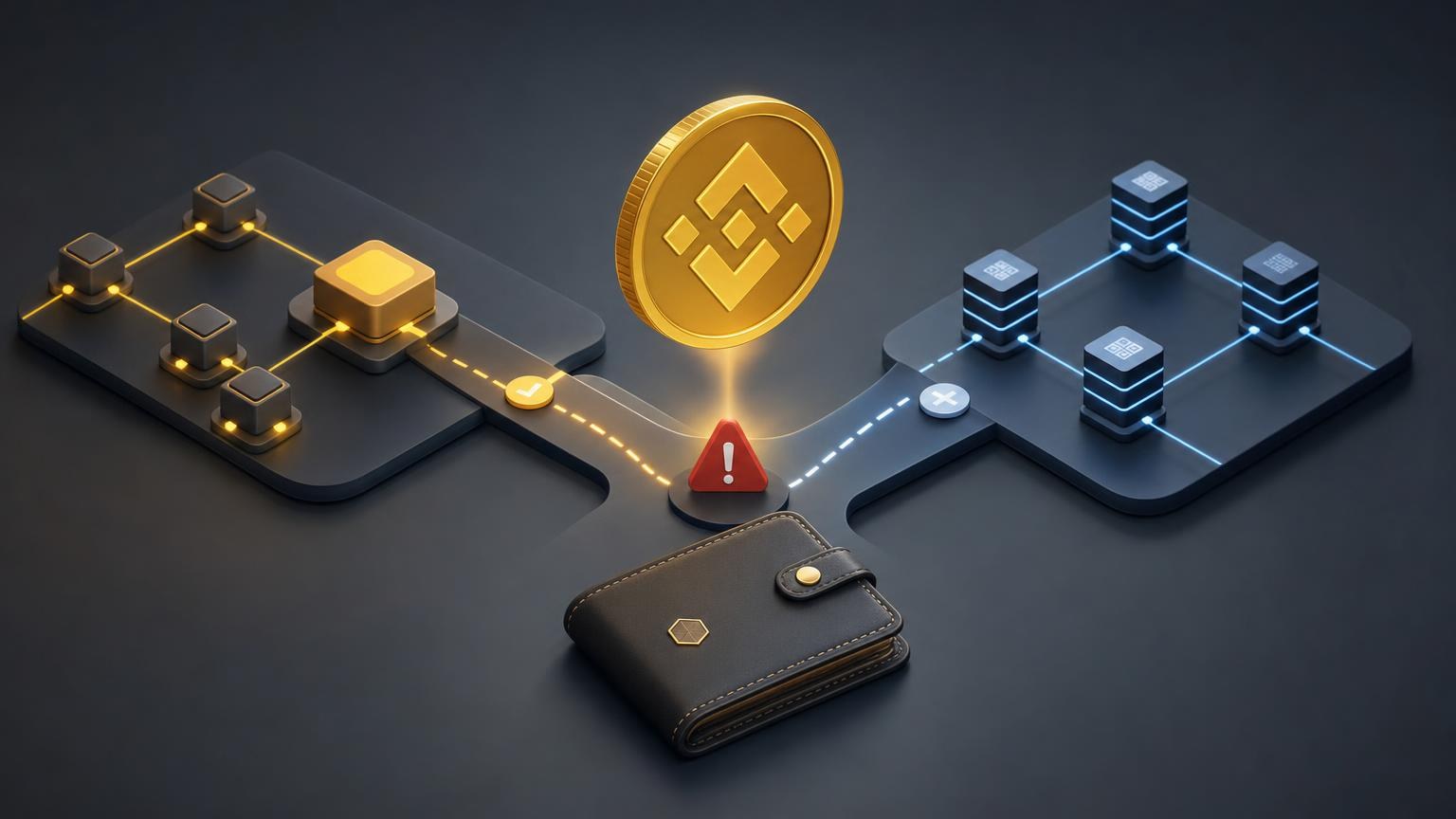
A safe BNB transfer requires three details to agree: the asset, the exact blockchain network, and the receiving address supplied for that network. Seeing “BNB” on both screens is not enough. Before sending, compare the exchange order with the withdrawal screen line by line, because a confirmed blockchain transaction cannot simply be edited after the fact.
The Claim-Checking Protocol
Fact: the sending and receiving networks must match exactly
Verdict: Confirmed. If an exchange order provides a BNB Smart Chain deposit route, the withdrawal side must use that same network. BNB is the native token used for transaction fees on BNB Smart Chain, whose mainnet chain ID is 56. Other networks in the wider BNB ecosystem are separate ledgers; for example, opBNB mainnet has chain ID 204. [1]
The misleading version: “If both sides say BNB, the network does not matter.” This shortcut probably arises because wallet and exchange interfaces often place the asset name above the less prominent network field.
Why the error hurts: the transaction may be valid on the selected blockchain while remaining invisible or unsupported at the destination. The receiving service cannot credit a deposit merely because the ticker matches.
How to verify: copy the network name from the active exchange order and compare it with the network selected in the sending wallet or platform. Do not infer the network from the BNB logo, fee currency, or a previous transaction.
Practical conclusion: stop if the names differ, if one side shows only an abbreviation you cannot confidently identify, or if the receiving page does not explicitly list the network.
Fact: a familiar address format does not prove network compatibility
Verdict: Confirmed. BNB Smart Chain is EVM-compatible, and its accounts commonly use hexadecimal addresses beginning with 0x. opBNB also uses 0x-style protocol addresses, yet it is a separate Layer 2 network with a different chain ID. Visual similarity therefore cannot establish that the receiving service supports the chain being used. [2]
The misleading version: “A valid-looking 0x address works on any compatible network.” The simplification comes from reusing the same account format across several EVM networks.
Why the error hurts: software may accept the address and broadcast the transfer without warning. Address validation usually checks the string’s structure, not the recipient’s deposit policy.
How to verify: obtain the address from the deposit page created for the intended network. Then compare the beginning and end of the copied address on both screens. If a wallet changes the network automatically, return to the order and confirm that the selected chain still matches.
Practical conclusion: treat the network label and the address as two separate checks. Passing one does not validate the other.
Fact: “successful” in an explorer proves execution, not automatic crediting
Verdict: Depends on conditions. A transaction hash can be used to retrieve on-chain transaction data and its receipt. That evidence shows what happened on the inspected blockchain: the sender, recipient, amount, status, and transaction record. It does not by itself prove that an exchange order used the correct supported network or that a custodial platform has credited the deposit. [3]
The misleading version: “The explorer says success, so the exchange must have received the BNB correctly.” This mixes two different events: blockchain execution and the destination service’s internal recognition of that transaction.
Why the error hurts: a sender may wait for a credit that cannot occur automatically because the transfer arrived on an unsupported network, reached a different address, or does not correspond to the active order.
How to verify: open the explorer for the network actually used—not an explorer chosen only because the address appears there. Check the transaction hash, destination address, asset, amount, status, and chain. Compare those fields with the saved order details.
Practical conclusion: preserve the transaction hash and order identifier. If the on-chain details are correct but crediting does not occur, provide those records to the receiving service without sharing a seed phrase or private key.
Fact: recovery depends on who controls the receiving address
Verdict: Depends on conditions. Official BNB Chain guidance distinguishes between an address whose private key the sender controls and a custodial address controlled by an exchange or another platform. With a self-custody address, it may be possible to view assets by switching to the network actually used. With a custodial destination, recovery depends on the operator’s capabilities and policies and may be unavailable. [4]
The misleading version: “Support can reverse any BNB transfer sent through the wrong network.” The idea may come from card payments and bank transfers, where an intermediary can sometimes cancel or return funds.
Why the error hurts: blockchain support staff generally cannot rewrite a confirmed transaction or take control of an unrelated wallet. A fake “recovery agent” may exploit the situation to request a seed phrase, private key, remote device access, or another payment.
How to verify: identify who holds the private key for the destination address. If it is a platform, use only the support channel shown inside its official website or application and provide non-secret transaction details. If it is your wallet, consult the wallet’s official documentation for adding the network or displaying the asset.
Practical conclusion: never disclose wallet recovery words. Control of the receiving key can change the technical options, but it does not make every mistaken transfer recoverable.
Fact: BEP2 instructions describe a retired BNB network
Verdict: Confirmed. BNB Beacon Chain stopped processing new transactions in November 2024 as part of its shutdown. As of July 1, 2026, the previously hosted recovery tool has also been discontinued in favor of a self-service process for eligible legacy BEP2 and BEP8 assets. Recovery eligibility is restricted and should not be confused with an active deposit route. [5]
The misleading version: “BEP2 is still the standard network for sending BNB because older guides call it Binance Chain.” The simplification persists when screenshots, bookmarks, or tutorials outlive the network option they describe.
Why the error hurts: following an outdated guide can lead a user toward a retired route or an imitation recovery page. It can also create the false expectation that every legacy asset is eligible for migration.
How to verify: check the publication or update date of technical instructions and compare them with current BNB Chain documentation. On the exchange side, rely only on the networks displayed for the live order.
Practical conclusion: do not select BEP2 for a new transfer. If an interface or instruction still recommends it, pause and confirm whether the material is historical.
Where the Honest Answer Depends on Context
There is no universal “correct BNB network” detached from the transaction. BNB Smart Chain may be the intended route in one order, while another platform may support a different network or temporarily offer no suitable BNB direction at all. The decisive source is the deposit instruction for the current order, not a general article or a network used last time.
Availability can also differ between an asset and a route. An exchanger may support BNB without supporting every network, pair, or direction involving BNB. Confirm the current options before creating or paying an order rather than treating the asset list as a promise of universal connectivity.
Recovery prospects are equally case-specific. They depend on the blockchain used, the destination address, private-key control, wallet compatibility, and the receiving platform’s policy. Official BNB Chain documentation notes that some wrong-chain transfers to self-controlled addresses may remain accessible on the chain used, whereas deposits to custodial addresses require the operator’s involvement. [4]
Verification requirements may vary with the exchange direction and compliance results. Check the current requirements before creating the order; do not assume that the conditions from a previous transaction still apply.
Final Safety Checks Not Covered by the Network Label
- Open the service independently. Avoid deposit pages reached through unsolicited messages, search advertisements, copied social-media posts, or “support” accounts that contacted you first.
- Defend against clipboard substitution. After pasting the address, compare several characters at the beginning and end with the address shown in the active order. A valid format is not evidence that the pasted recipient is correct.
- Read the final confirmation screen. Recheck the asset, amount, network, recipient, and displayed fee before authorizing the transfer. A last-minute interface change or wallet default can alter the selected route.
- Keep secrets offline. A legitimate exchange or blockchain support process does not require you to send a seed phrase or private key in a chat, email, or support ticket.
- Save observable evidence. Retain the order details and transaction hash. Screenshots can help explain an error, but the on-chain record and exact order data are more useful than a cropped balance screen.
- Do not let price movement create unsafe urgency. BNB and other cryptoassets can be volatile. Missing a quoted rate is less damaging than sending an irreversible transaction to the wrong address or network.
A Practical Next Step Before Sending
Once the asset, receiving address, and network are understood, check the currently available BNB exchange conditions. Create the order only after confirming that the displayed direction and network match the withdrawal options in your wallet or sending platform. If the network is absent, unclear, or different, do not improvise with a similarly named chain—request clarification before broadcasting the transaction.

